

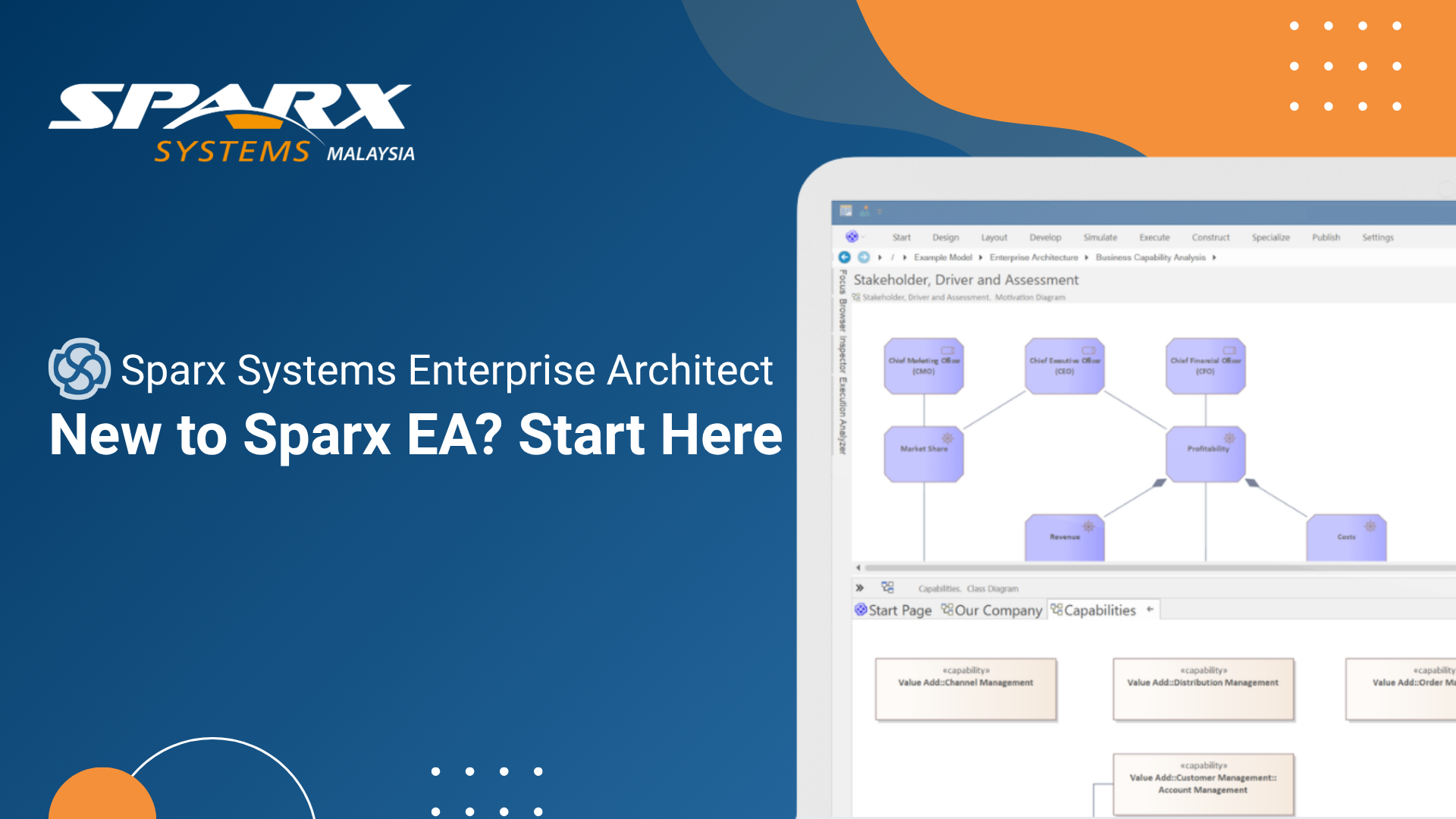
How to Use Sparx Enterprise Architect (Sparx EA) — A Practical Getting Started Guide
Getting started with a new modeling tool can feel daunting, particularly when that tool is as capable as Sparx Systems Enterprise Architect. The good news is that EA is designed to support both new users finding their footing and experienced modelers who need advanced capabilities at their fingertips. This guide walks through the practical steps of getting up and running with Sparx Enterprise Architect — from initial setup through to collaborating on a shared model with your team.
Start Exploring Sparx Systems Enterprise Architect Firsthand
Get hands-on with Enterprise Architect (EA Sparx) and experience how it supports your modeling workflows from setup to collaboration.
Choosing the Right Enterprise Architect Edition
Before installing Sparx EA or EA Sparx, it is worth understanding the edition structure. Sparx Enterprise Architect is available in several editions, ranging from the Professional edition suited to individual modelers and small teams, through to the Ultimate and Systems Engineering editions designed for organizations working with SysML and advanced simulation. Most teams starting out with UML, BPMN, ArchiMate, or general architecture work will find the Corporate or Unified editions appropriate, as these include the multi-user repository capabilities and the range of modeling languages needed for enterprise use.
A free trial is available, which gives new users access to the full feature set for an evaluation period. This is the recommended starting point — it allows teams to explore Sparx Enterprise Architect (EA Sparx) without commitment and validate that the tool meets their specific modeling requirements before licensing.
Sparx Systems Enterprise Architect: Installation and Initial Setup
Installation of Sparx EA or EA Sparx follows a standard Windows installer process. Once installed, the tool launches into a familiar workspace with a project browser on the left, a central diagram canvas, and property panels on the right. The interface is information-dense but logically organized — toolboxes surface the elements relevant to the modeling language currently in use, and the main toolbar provides quick access to the most common actions.
New users are encouraged to start with a single-user project file (EAP or EAPX format) for initial exploration. This file-based approach requires no database setup and is ideal for learning the tool. When the time comes to move to team collaboration, the project can be migrated to a shared repository backed by a database such as MySQL, PostgreSQL, or Microsoft SQL Server — a straightforward process supported by EA's built-in migration tools.
Run Sparx Systems Enterprise Architect Without Infrastructure Overhead
Access Enterprise Architect through a secure, cloud-hosted environment designed for teams that want faster setup and simplified collaboration.
Creating Your First Sparx EA Model
Sparx Enterprise Architect organizes work into a hierarchical project browser where packages group related diagrams and elements. A typical starting point is to create a root package representing your system or domain, then add child packages for major subject areas — for example, separating business process models from system architecture diagrams. This hierarchy is flexible and can be reorganized as the model evolves.
Creating a diagram in Sparx EA is as simple as right-clicking on a package and selecting the diagram type from the list. EA's toolbox then presents the appropriate elements for that diagram type — UML class elements for a class diagram, BPMN flow objects for a process diagram, ArchiMate elements for an architecture view. Elements are dragged onto the canvas, connected with appropriate relationship types, and given names and properties through the properties panel. The tool's built-in validation checks that diagrams conform to the rules of the chosen modeling language.
Working with the Sparx EA Repository for Team Collaboration
One of the most significant advantages of Sparx Enterprise Architect (or EA Sparx) for team use is its shared repository architecture. When connected to a database repository, multiple users can work within the same project simultaneously. EA handles concurrent access through element-level locking — a user checks out an element to edit it, and other users can see it in read mode while the lock is held. This prevents conflicting edits without restricting visibility.
Version control integration allows teams to manage model changes with the same rigour applied to source code. EA supports integration with SVN and CVS, enabling teams to branch, merge, and diff model packages. Baseline management adds another layer of change control — teams can snapshot the model at key milestones and compare the current state against any previous baseline to understand what has changed and why.
Generating Documentation from Your EA Model
Once a model contains substantive content, Sparx EA's documentation generation capabilities become particularly valuable. The built-in WYSIWYG document editor allows teams to create templates that define which model elements appear in generated outputs, how they are formatted, and what level of detail is included. Generated documents can be exported in Word-compatible and HTML formats, making them suitable for formal review processes and stakeholder communication.
For teams that need to share model content with stakeholders who do not have EA licenses, Sparx Systems Prolaborate provides a browser-based portal through which published diagrams and architecture content can be accessed without installing any client software. This is particularly useful for giving business stakeholders visibility into architecture decisions without requiring them to learn the EA interface.
See What’s New in the Latest Sparx EA Release
Explore the latest enhancements in Enterprise Architect V17, including improvements across modeling, governance, and day-to-day productivity.
Next Steps for Growing Your Modeling Practice
Getting started with Sparx Enterprise Architect is straightforward, but the tool's depth means there is always more to explore. As your modeling practice matures, capabilities such as the Automation Interface for scripting, model-driven architecture transformations, parametric simulation for systems engineers, and integration with delivery tools like Jira and Azure DevOps become increasingly relevant. The key is to start with a clear modeling objective, build familiarity with the core interface, and add capabilities progressively as team needs evolve.