
Sparx EA Features
Explore the Full Feature Set of Sparx Enterprise Architect
Sparx EA is built to solve practical architecture pain points, with capabilities chosen to remove friction from day-to-day work.
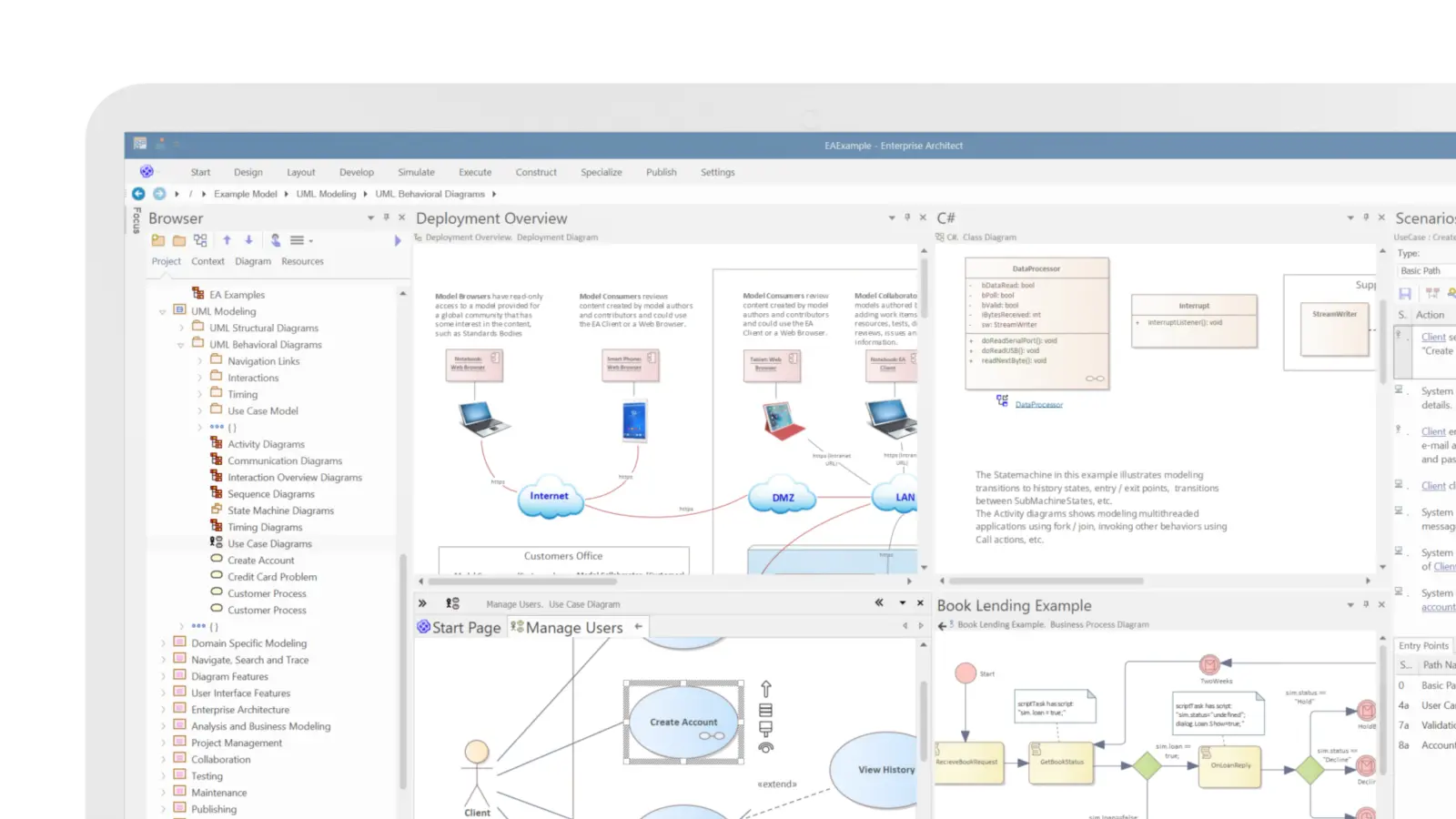
Sparx Systems Enterprise Architect (Sparx EA) is known for its feature-rich capability set built to support architecture work end to end. It brings together standards-based modeling, requirements and traceability, documentation, governance, and engineering productivity features in one environment, so teams can work with consistency and confidence as complexity grows.
Sparx Systems Enterprise Architect Feature Highlights
One source of truth for architecture
Centralize enterprise architect requirements management, BPMN processes, SysML designs, and documentation in one shared repository so teams stop working from scattered files and conflicting versions.
End-to-end traceability you can trust
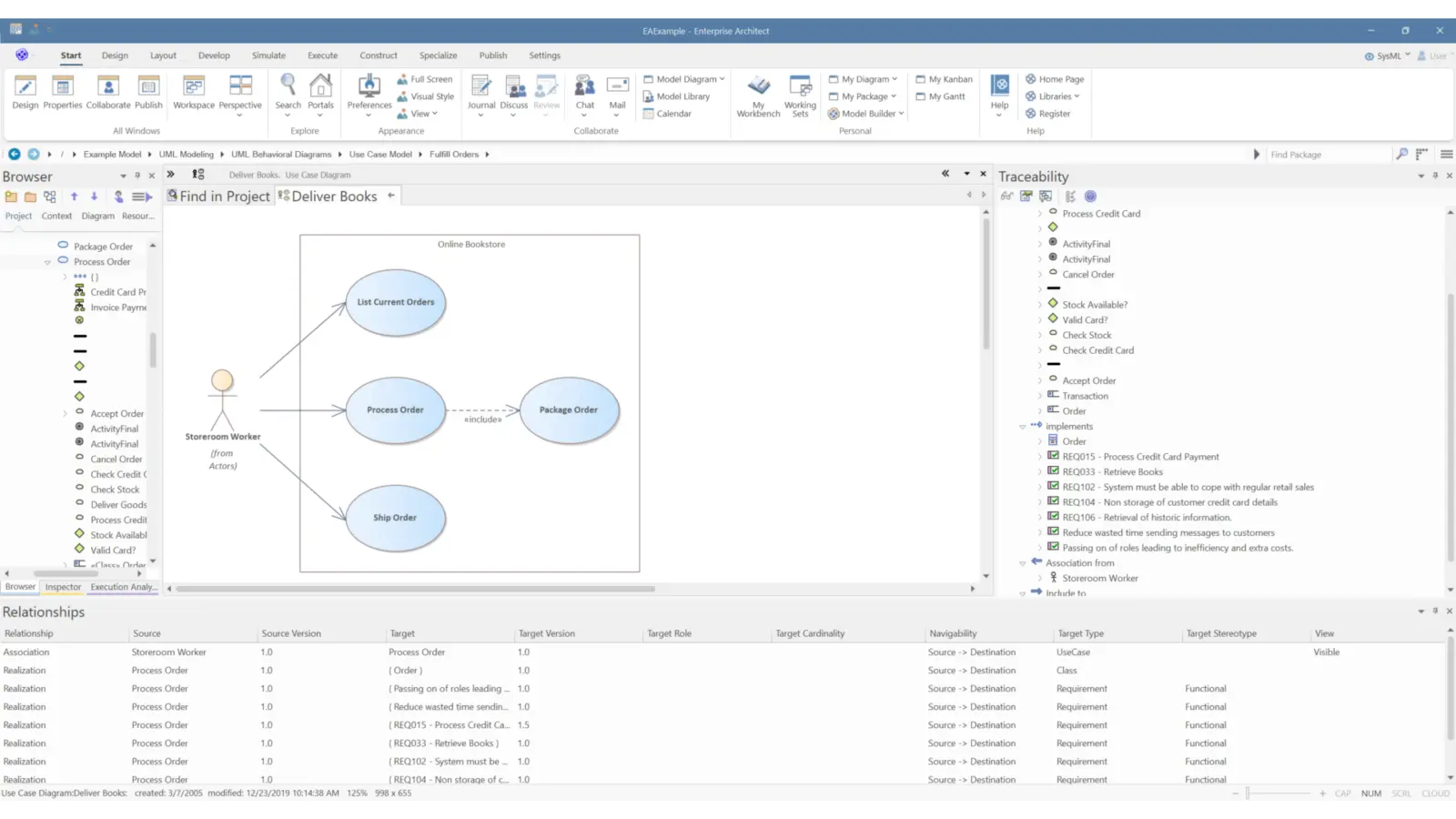
Link requirements to analysis, design, implementation, and deployment so you can assess impact fast, prove coverage, and govern change with confidence using traceability diagrams.
Faster decisions with clear visuals and documentation
Use consistent diagrams, matrices, and generated documentation to communicate complex architecture in a way stakeholders can review, understand, and approve.
Scale collaboration without losing control
Support multiple teams working in parallel with role-based access, baselines/versioning, and built-in version control, so quality stays high as adoption grows.
See How Sparx Systems Enterprise Architect Works in Practice
Explore how Sparx EA's capabilities come together in real-world architecture environment, aligned to your organisation's needs.
Standards-Based Modeling
Use industry-recognized modeling languages and standards, including UML 2.5, SysML, and BPMN, to capture business, software, and systems views consistently.
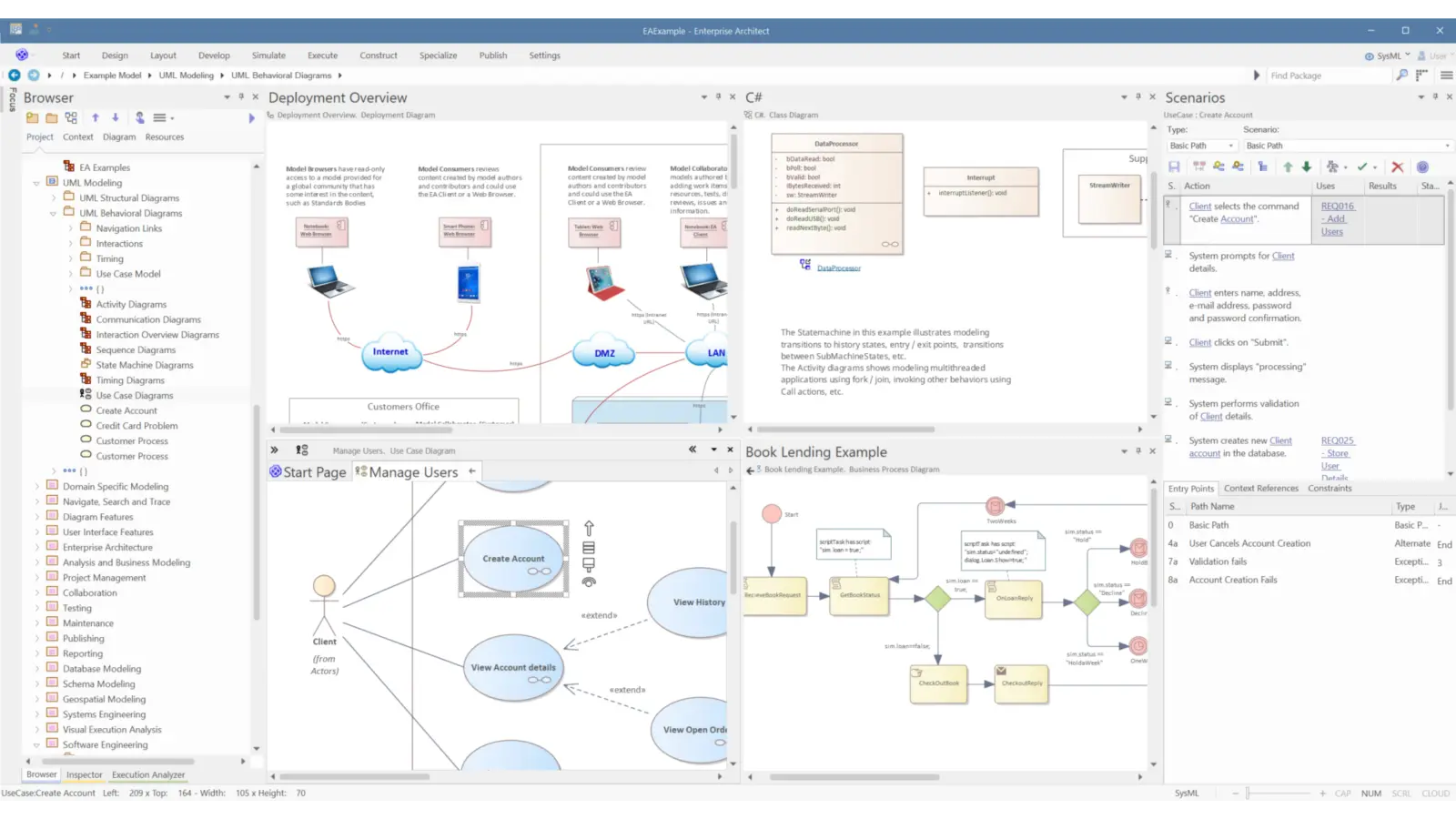
Comprehensive Modeling Tools
Enterprise Architect supports complete lifecycle modeling across business and IT systems, software and systems engineering, and real-time and embedded development.
With integrated requirements management, EA helps you keep high-level specifications connected as you move through analysis, design, implementation, testing, and ongoing maintenance, using UML, SysML, BPMN, and other open standards.
As a multi-user, graphical modeling environment, it helps teams create robust, maintainable systems. Built-in reporting and documentation also make it easier to communicate a shared vision with clarity and consistency.
BPMN and Process Management
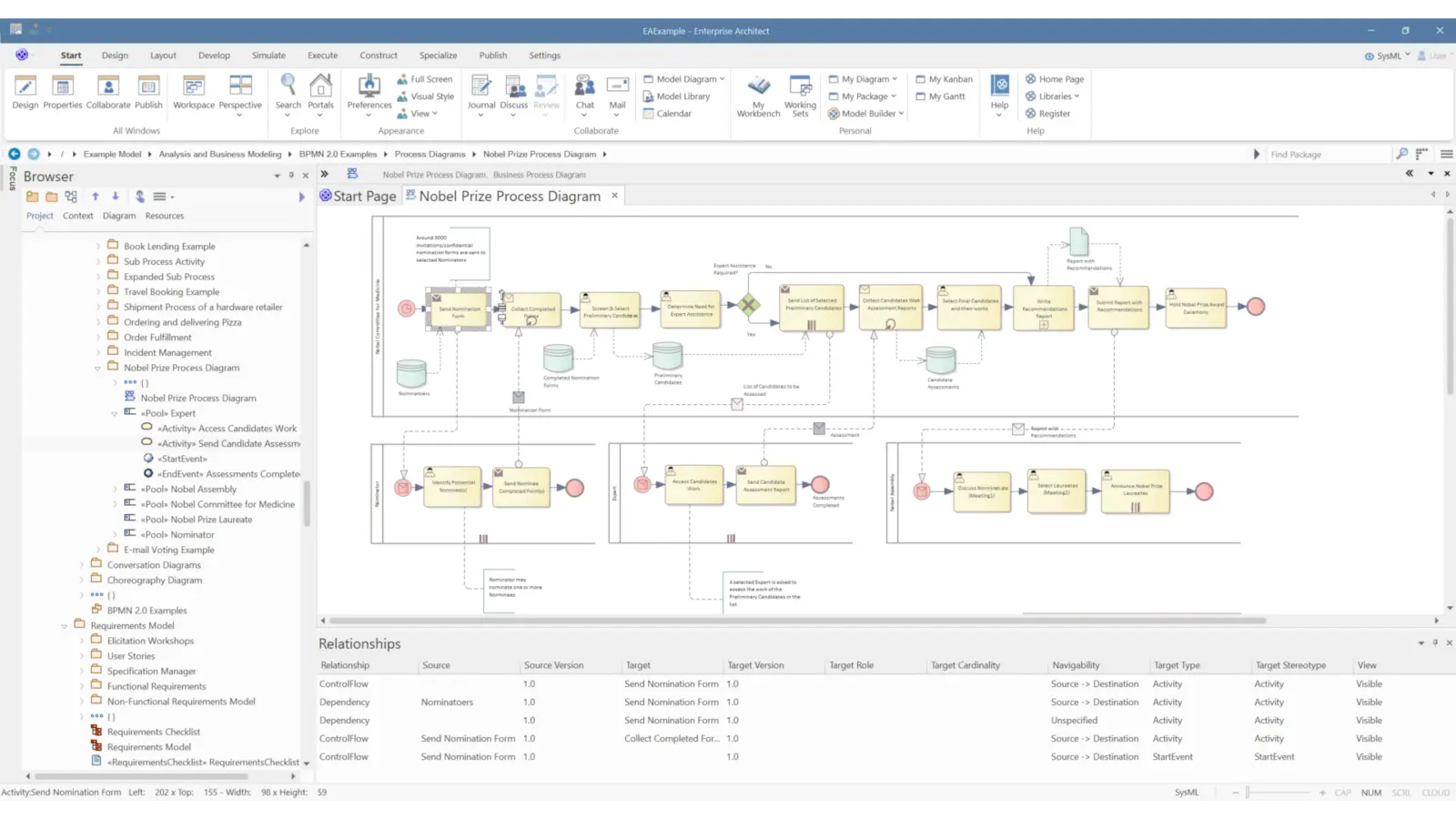
Enterprise Architect supports business process modeling using UML-based techniques such as activity diagrams, object diagrams, and custom profiles, giving business analysts practical ways to map and communicate process flow.
It also extends BPMN with features that support analysis, requirements management, and process tracking, including change, feature, and problem elements.

Advanced Tools for System Engineers
Enterprise Architect Ultimate and Systems Engineering editions provide dedicated capabilities for system engineers.
UML 2.5 Support
Enterprise Architect provides full UML 2.5 support across all 14 behavioral and structural diagrams.
Built on the UML 2.x specification, Sparx EA can be extended using UML profiles, while model validation helps maintain integrity as the model evolves.
You can also bring business processes, information flows, and process logic into the same repository using free extensions for BPMN and the Eriksson Penker profile.
Requirements, Traceability & Documentation
Capture requirements, maintain traceability diagrams for impact analysis, and generate documentation and reports stakeholders can review.
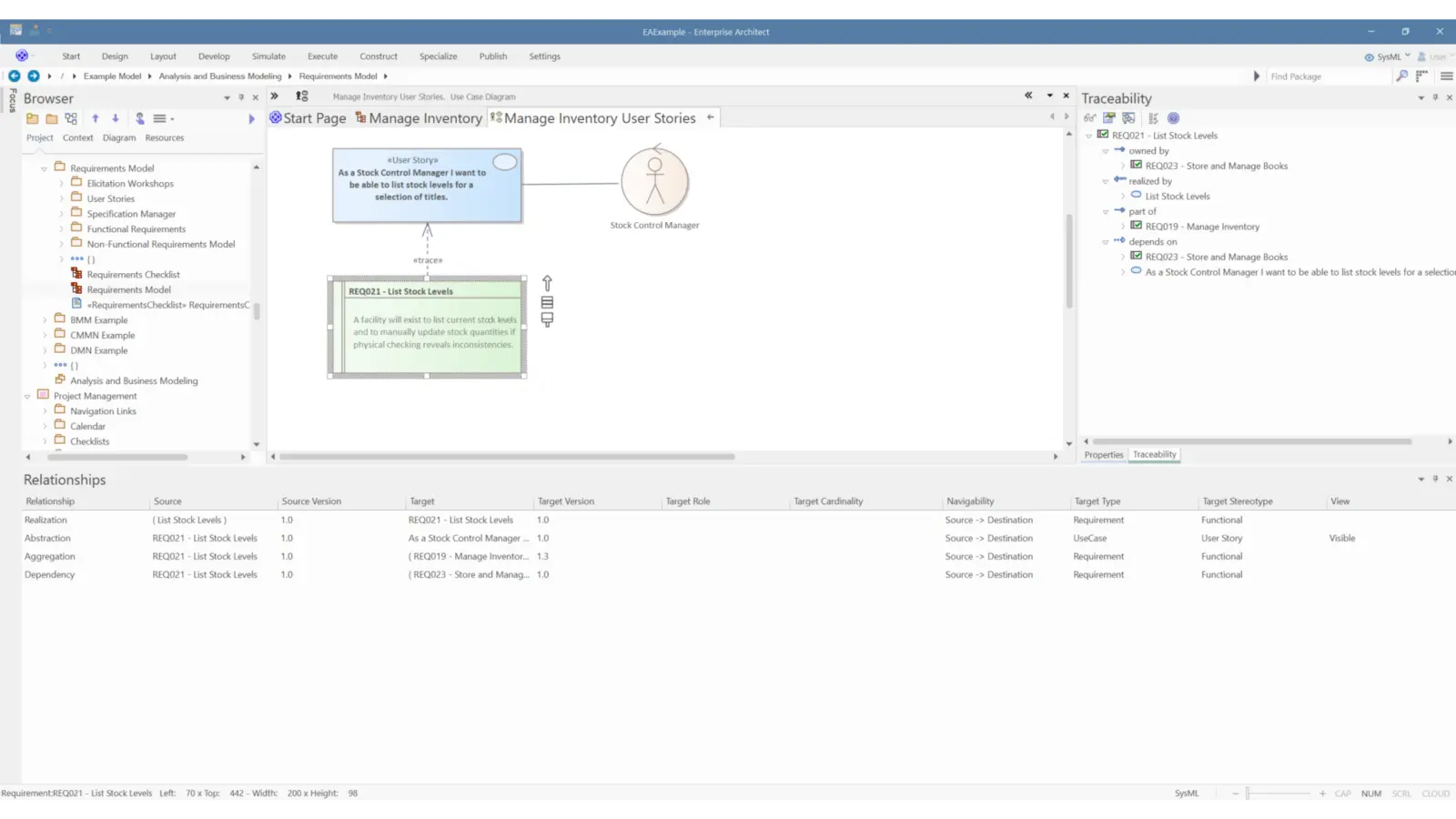
Requirements Management
Capture and manage formal requirements through design, build, deployment, and ongoing change. Use impact analysis to connect proposed updates back to the original requirement set.
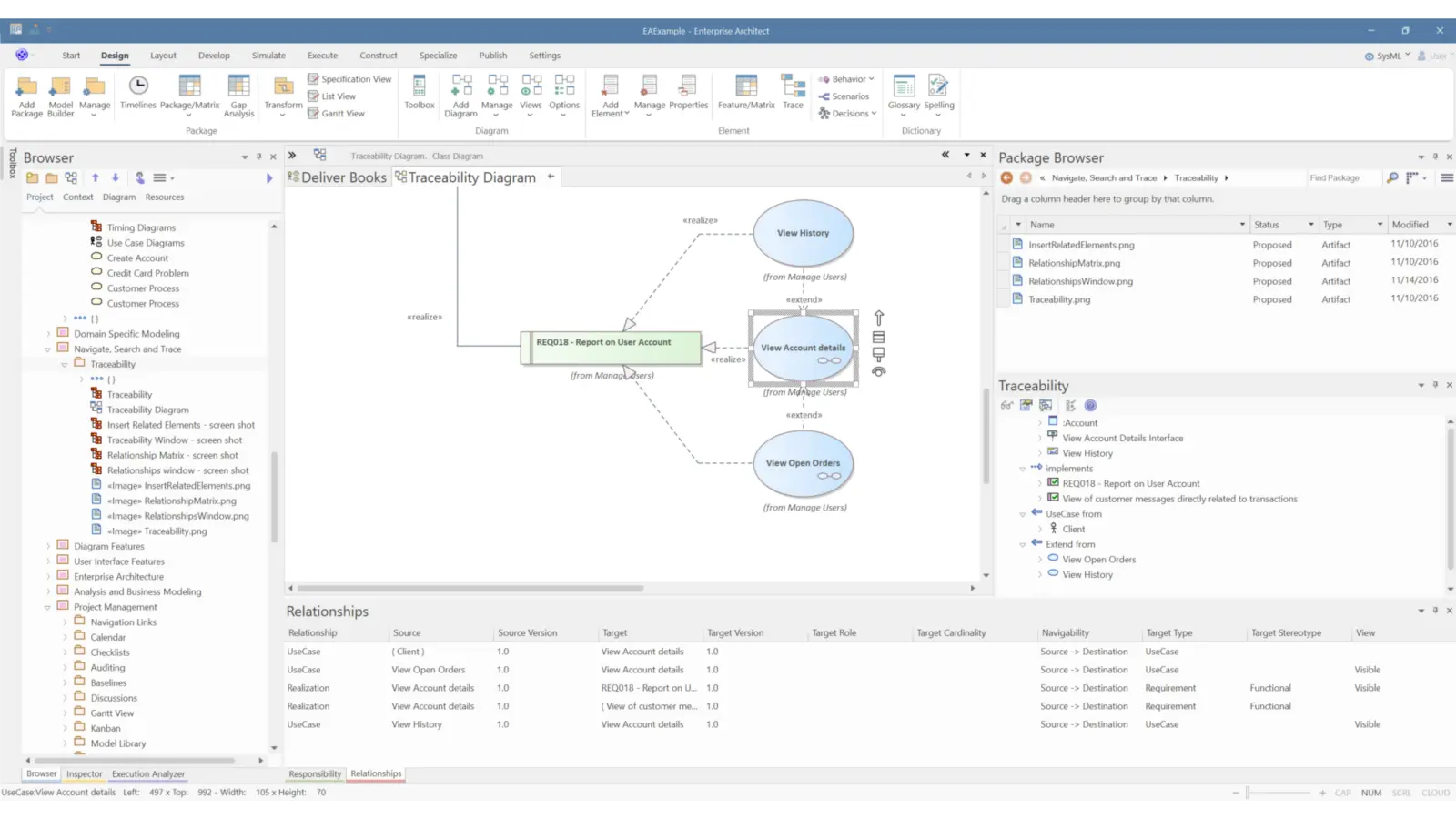
Full Lifecycle Traceability
Maintain end-to-end traceability from requirements through analysis, design models, implementation, and deployment.
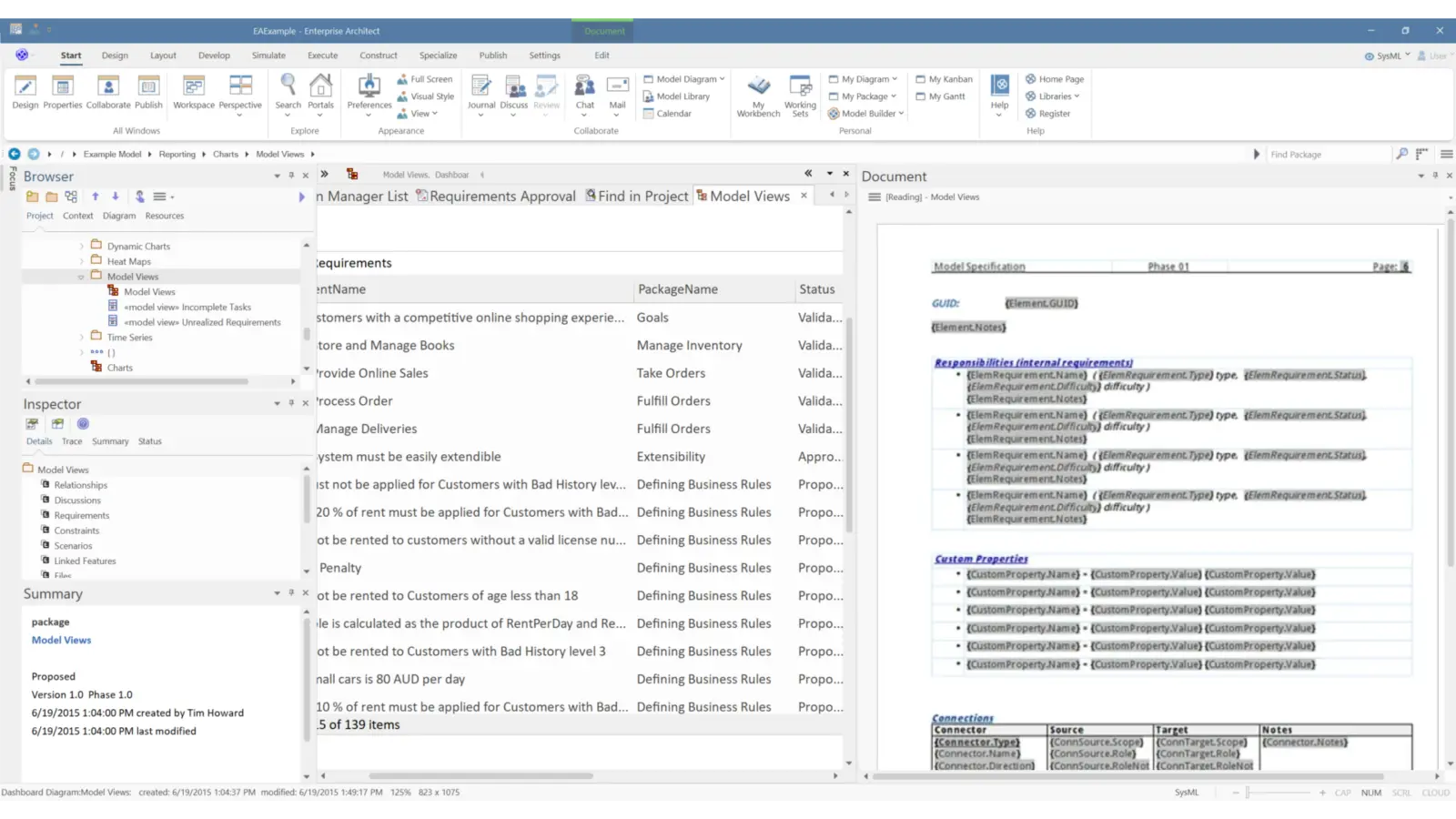
Document Generation
Enterprise Architect includes a full WYSIWYG document editor and template support for headers and footers, table of contents, embedded images, title pages, and complex nested tables.
Performance, Governance & Scalable Delivery
Support teams working in parallel with strong performance, version control, baselines and versioning, and role-based access so governance stays consistent as adoption grows.
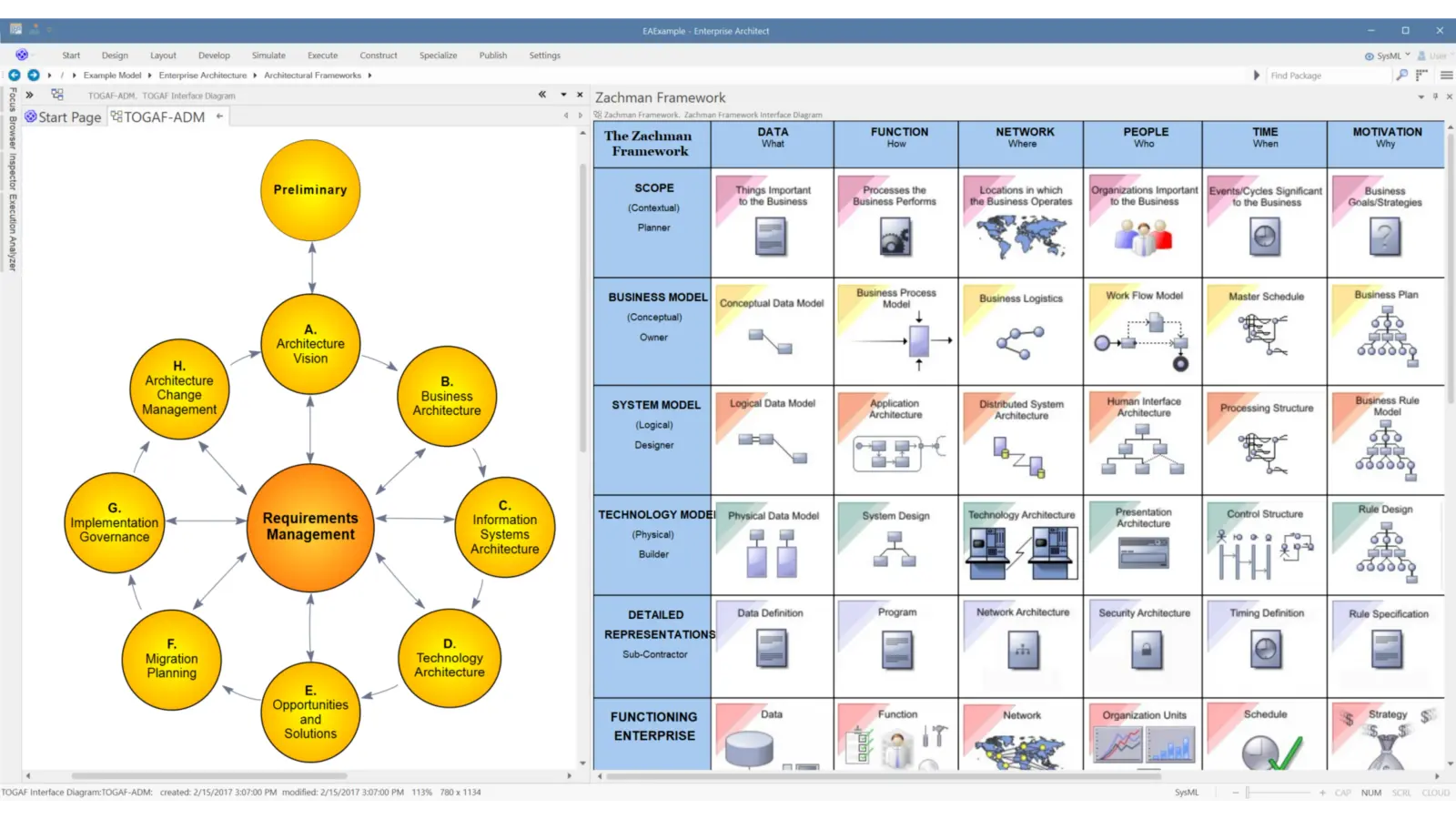
Reliability and Speed
Enterprise Architect is designed for strong performance, with large models loading in seconds.
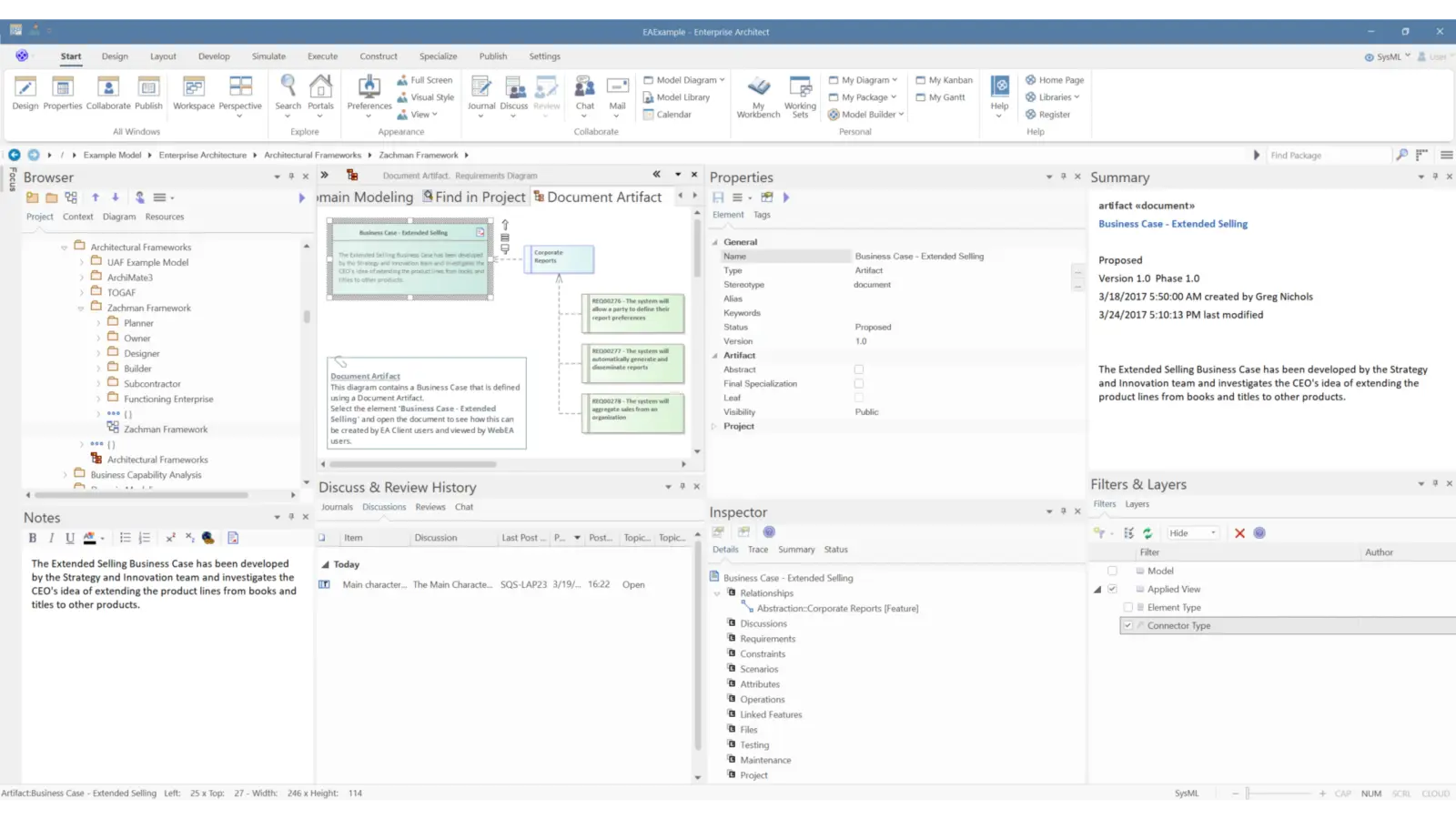
Simplify Modeling Complexities
Enterprise Architect helps individuals, teams, and large organizations model and manage complex information by presenting it visually and keeping relationships connected.
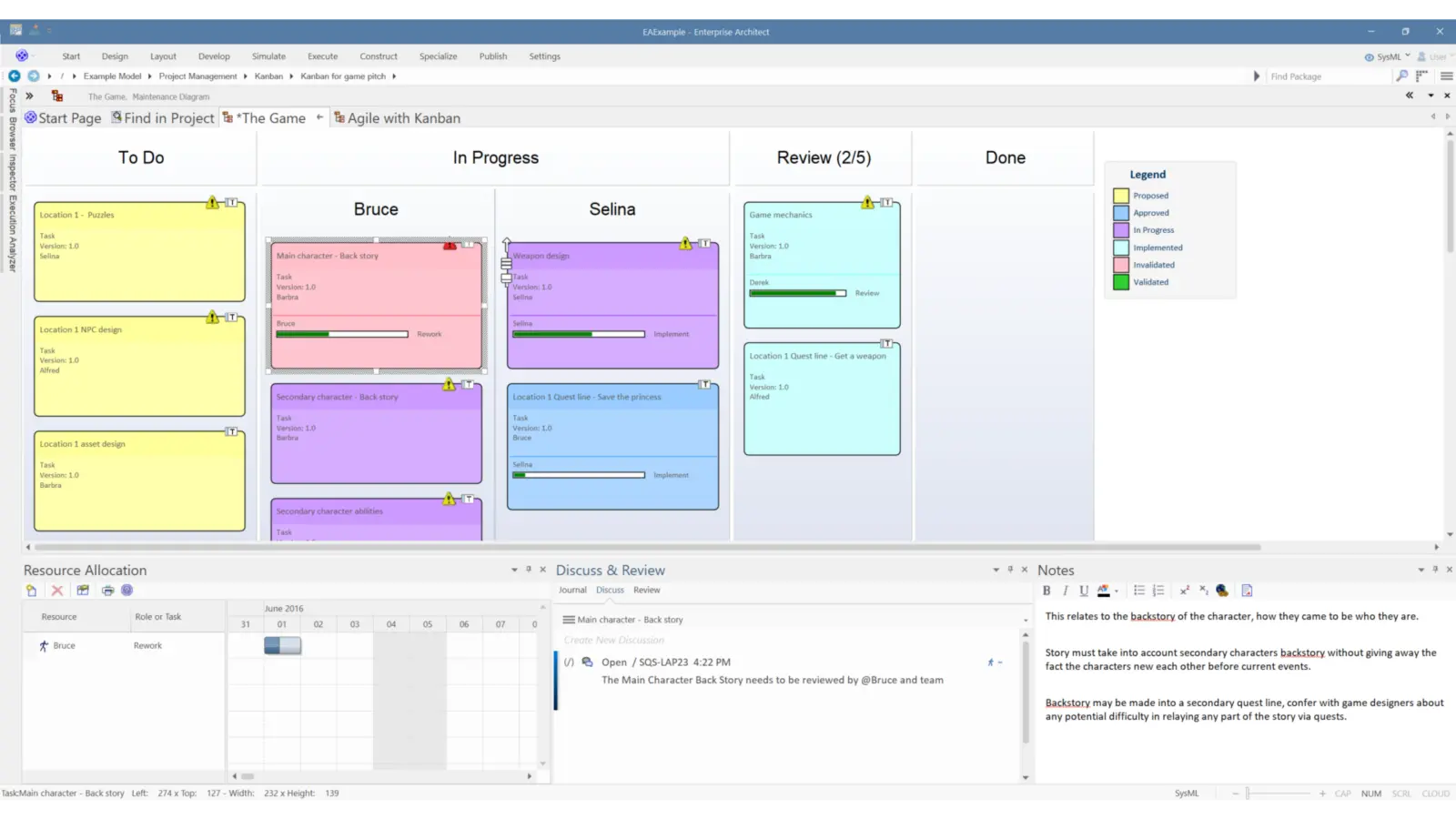
Streamlined Project Management
Enterprise Architect supports project delivery work by enabling project managers to assign resources, assess risk and effort, calculate project size, and apply change control.
Automation, Code and Data Modeling
Connect the model to delivery work by automating routine tasks, generating and reverse engineering code, and modeling databases with DDL generation.
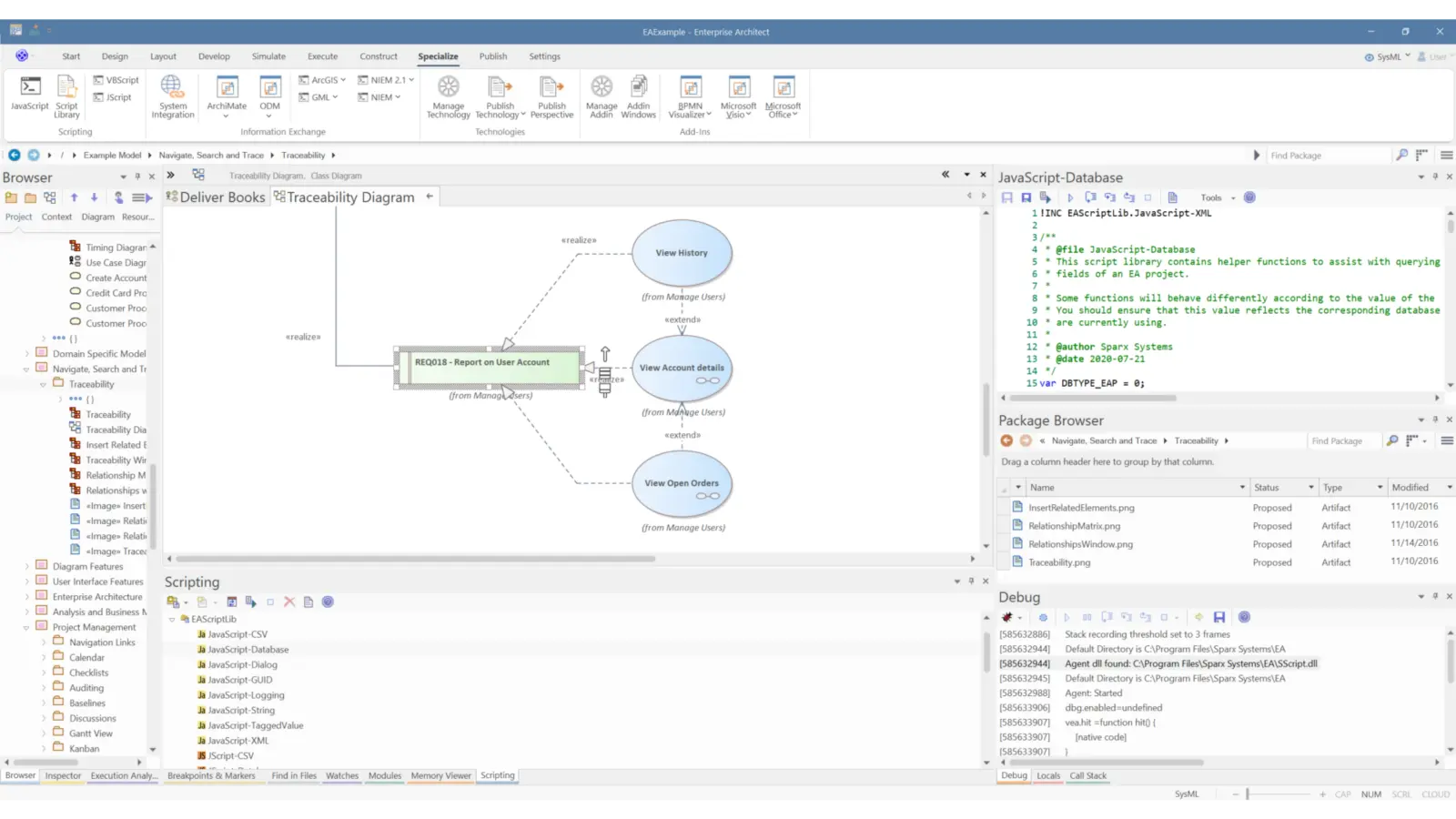
Enhance Productivity with Automation
The Automation Interface provides direct access to Enterprise Architect models, so you can automate repetitive work and reduce manual effort.
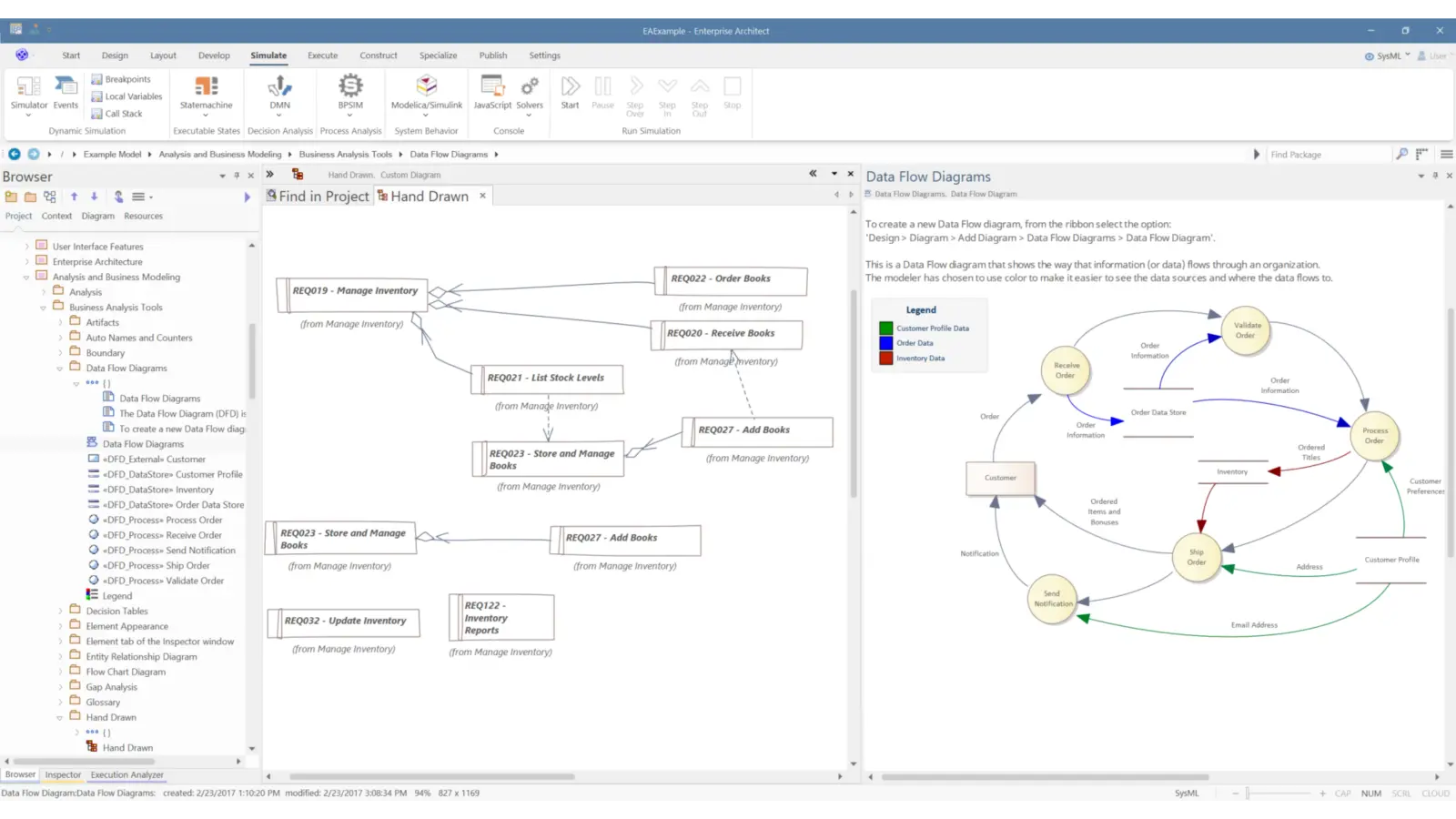
Bring Clarity to Your Code
Visualize applications by reverse engineering across software development languages and database schemas.
Bring in frameworks and legacy systems from source code, JAR files, or .Net binary assemblies. Include framework and library code to improve reuse and strengthen understanding of existing investments.
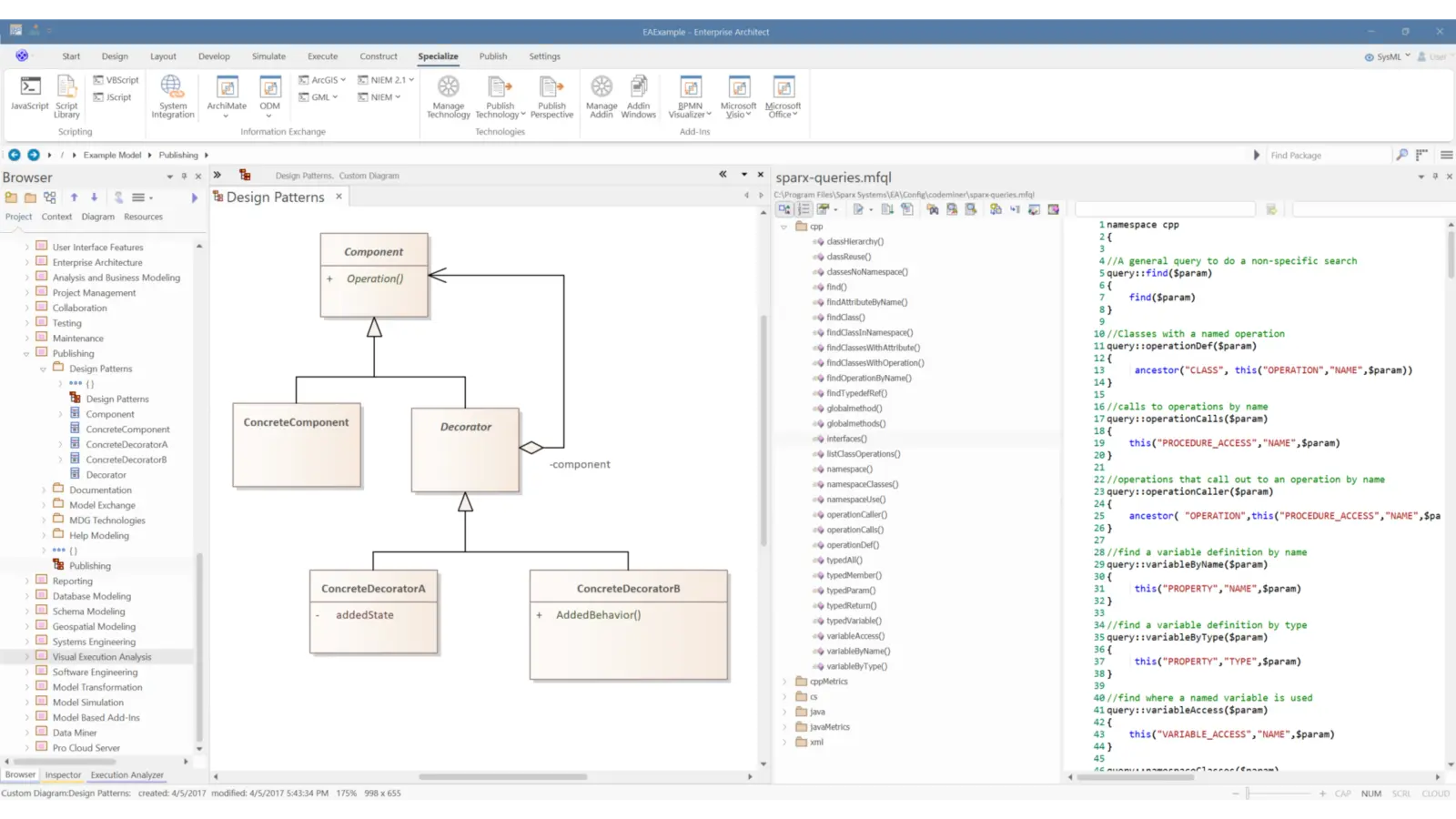
Source Code Generation and Reverse Engineering
Enterprise Architect supports both source code generation and reverse engineering across many programming languages, including ActionScript, Ada, C/C++, C#, Visual Basic, PHP, Verilog, Java, System C, VHDL, Python, Delphi, VB.Net, and more.
The integrated source code editor helps you move between model and code within the same environment. Eclipse and Visual Studio .NET integrations also allow developers to access modeling functions from within the IDE.
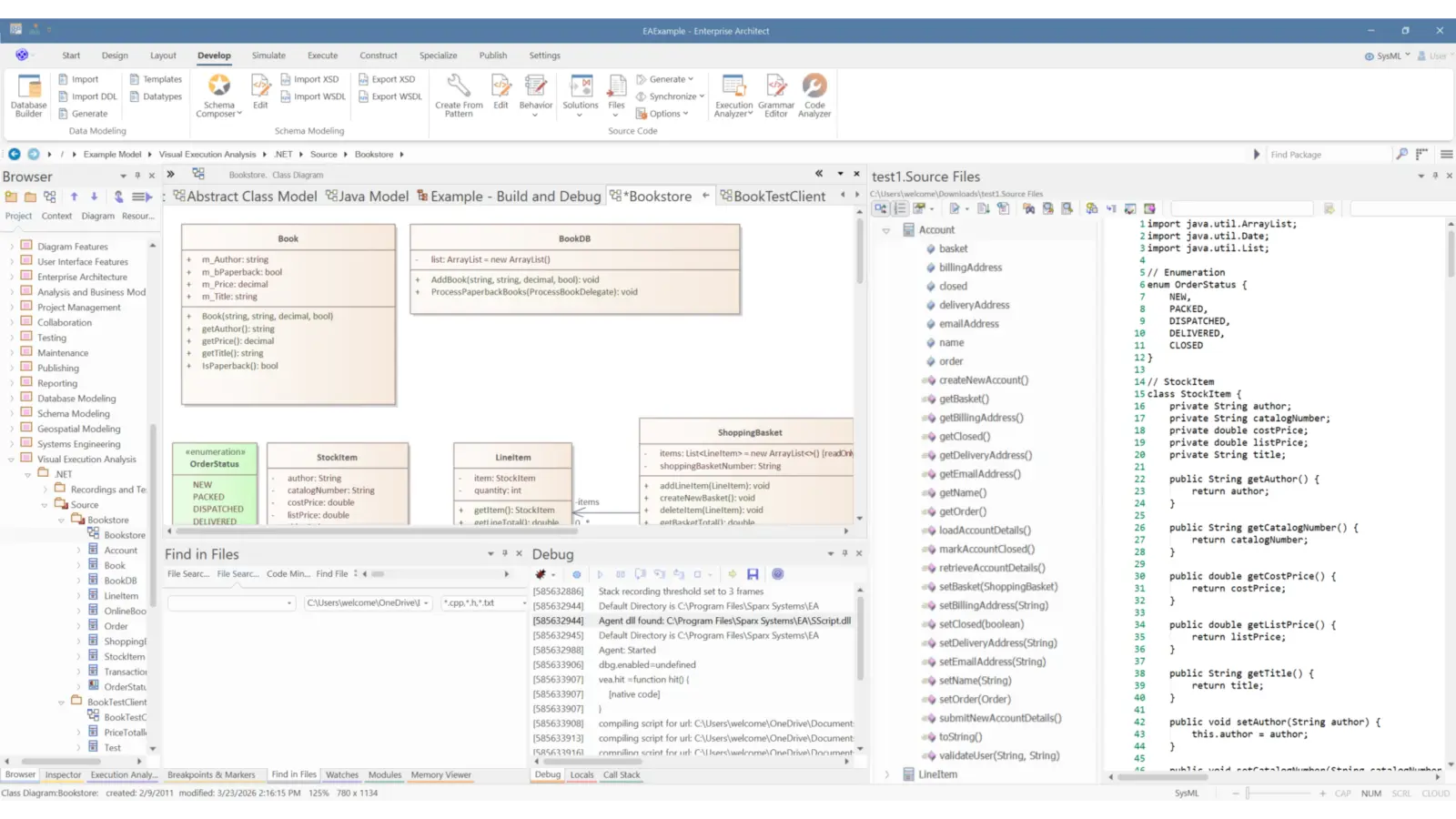
Debugging, Compiling, and Code Visualization
Enterprise Architect supports creating, testing, debugging, and executing deployment scripts within the development environment.
Sparx EA provides debugging support for Java, .NET, and Microsoft Native languages such as C++, C, and VB. As you step through execution, the debugger can capture stack traces to generate sequence diagrams.
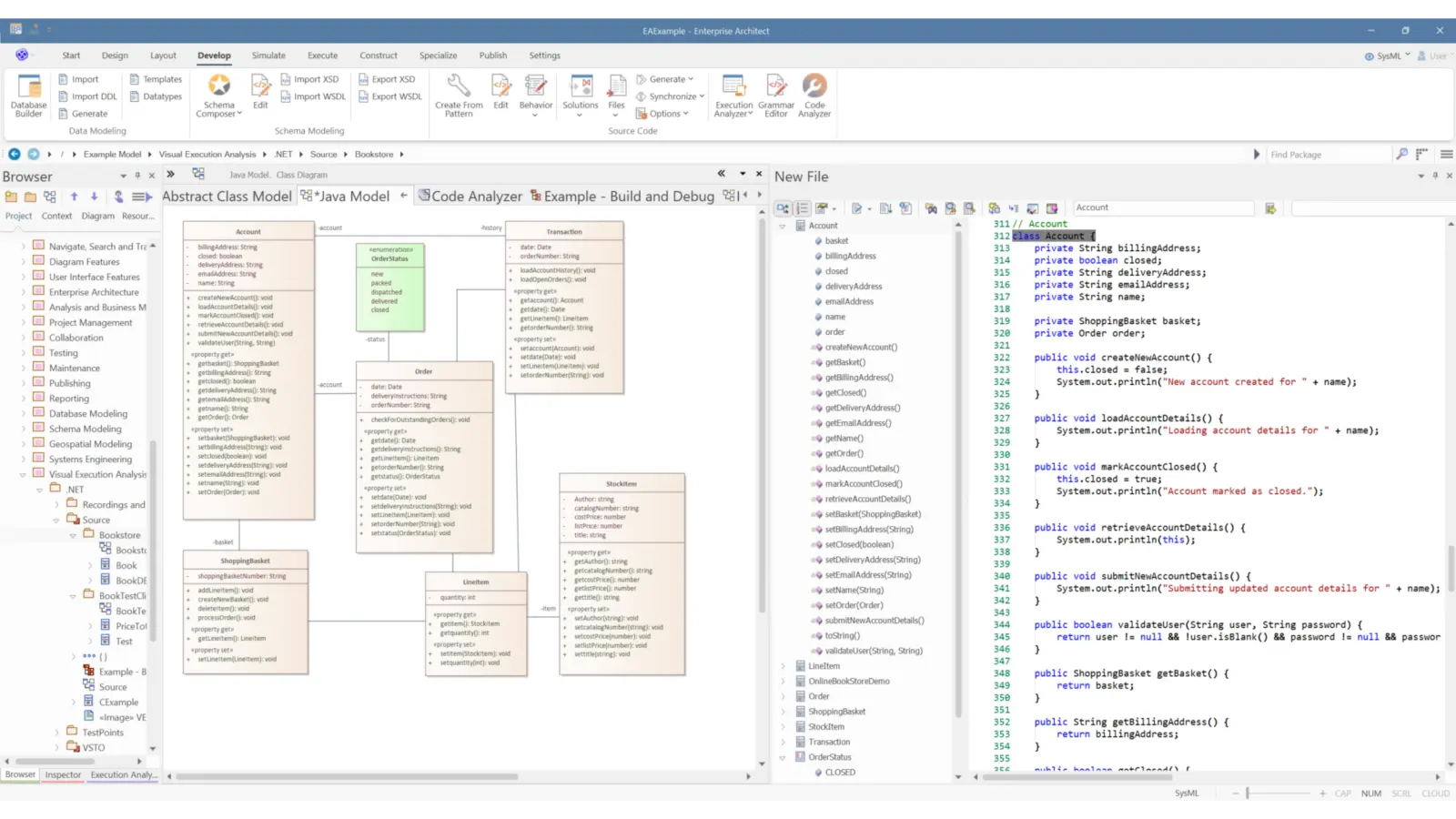
Model-Driven Architecture Solutions
Enterprise Architect supports Model Driven Architecture transformations using customizable, user-created templates.
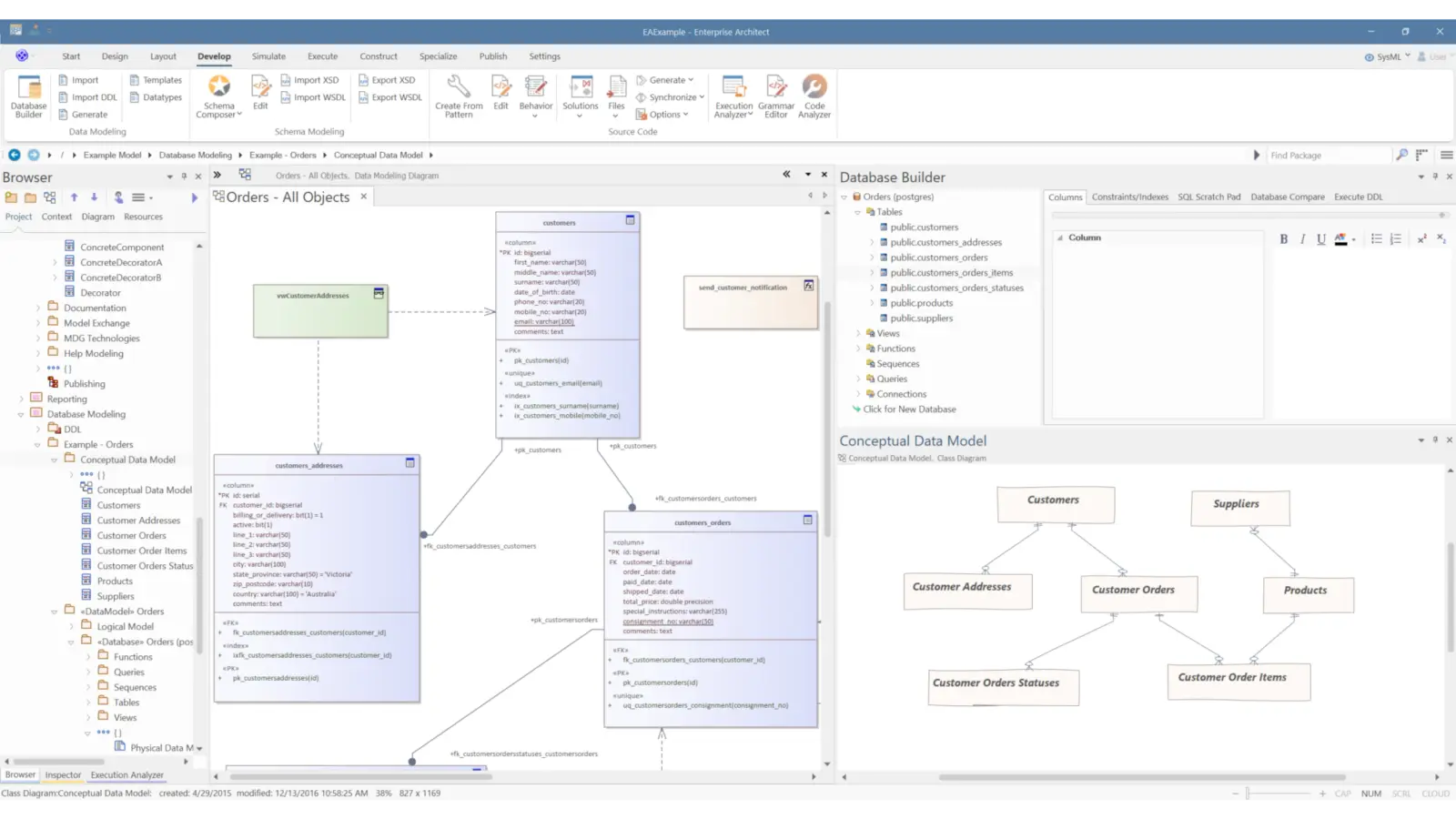
Extensive Database Modeling Capabilities
Enterprise Architect includes a built-in data modeling profile that extends UML, so database concepts such as tables and relationships can be represented using UML classes and associations.
Ready to Get Started with Enterprise Architect?
Get guidance on licensing, onboarding, and enablement from Sparx Systems Malaysia.